RepoSync
Commits and pushes your repos from the menu bar, and asks first when a change is big or risky.
macOS 14 or later, Apple silicon
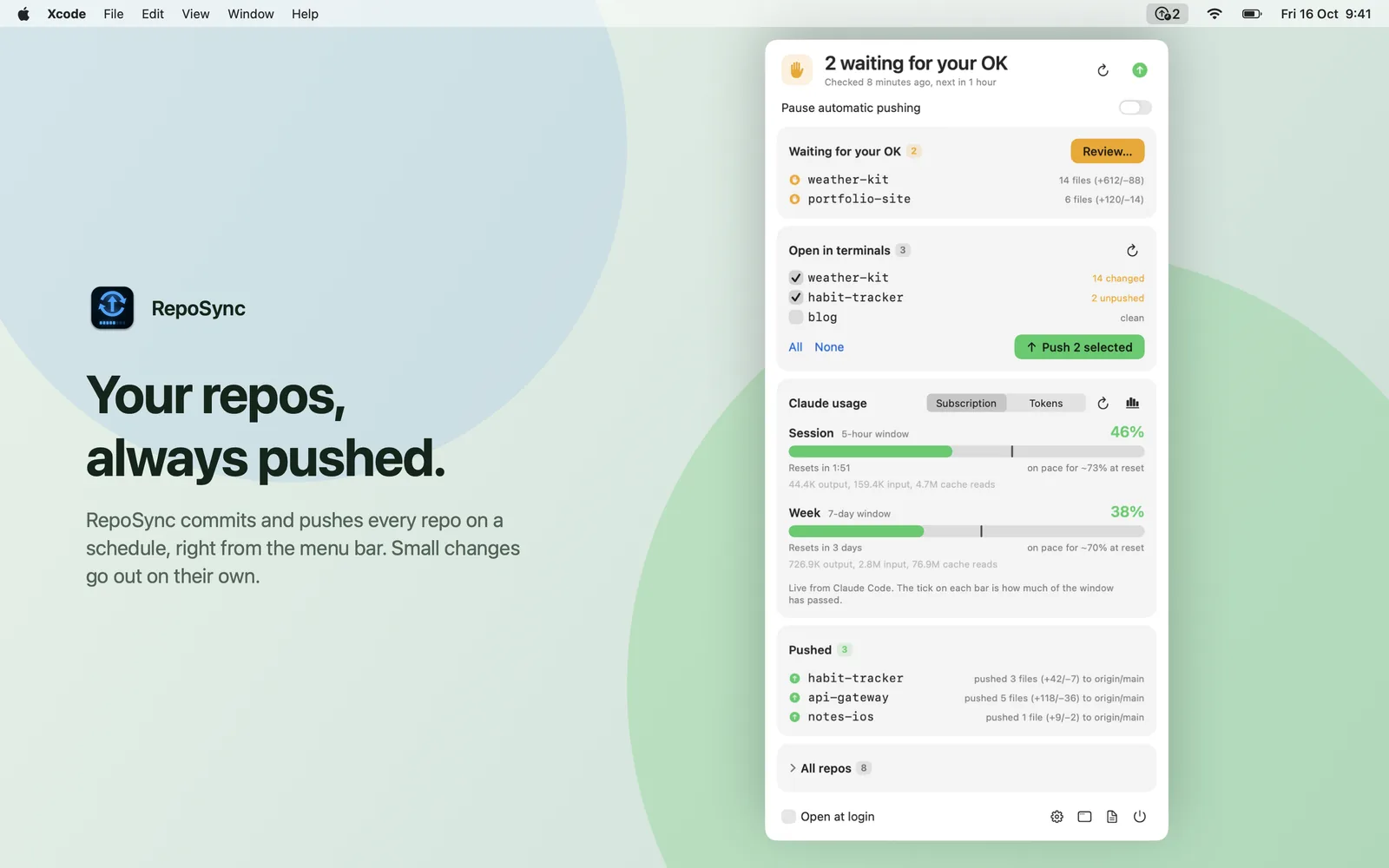
About
RepoSync lives in the menu bar and, every two hours by default, commits and pushes the git repositories in the folders you choose. Small change sets go out silently. Bigger or unusual ones wait for your approval.
The same panel shows which repos are open in your terminals and, if you like, your Claude Code usage limits.
- 2 h
- default sync interval
- 10 files
- more than this and it asks
- 300 lines
- added or removed, then it asks
- 50 MB
- largest file it pushes unasked
Would RepoSync ask?
Set up a change and see whether RepoSync would push it on its own or wait for you. These are the default limits. Every one can be changed in Settings.
Pushes silently
How it works
It checks every two hours
RepoSync looks at each repo in the folders you watch. You can change the interval. The minimum is 15 minutes.
Small changes go out silently
It commits with your prefix and the time, then pushes. A notification tells you, if you want one.
Big or risky changes wait
Each approval card says what would go out, who could see it, and whether it can be taken back. Push it, skip it, or decide later.
What it looks like
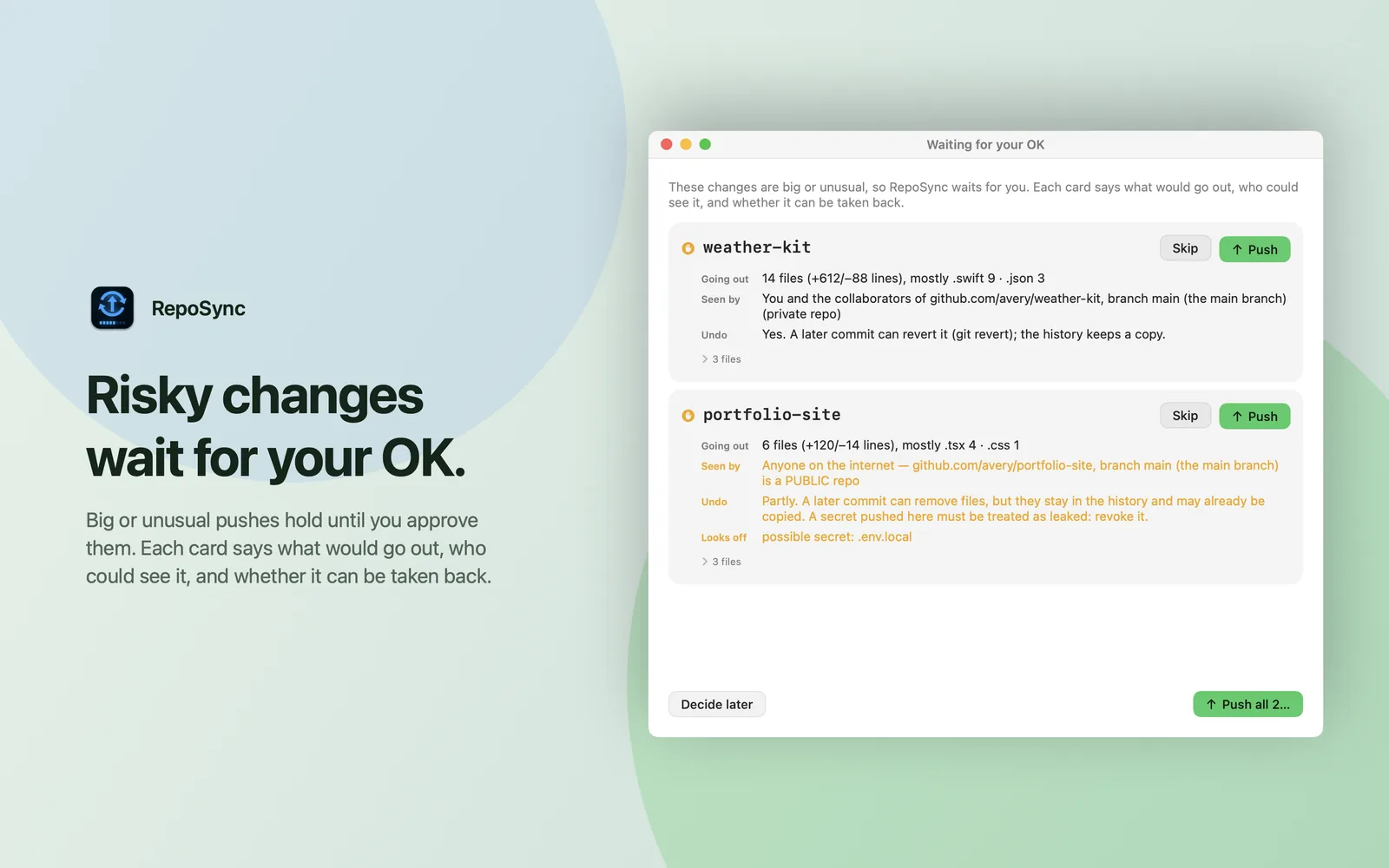
Risky changes wait for your OK. Risky changes wait for your OK
Cards explain what is about to happen in plain words: how many files and lines, who can see the repo (private, or open to the whole internet), and whether a later commit can undo it. Secret-like files such as .env are flagged before they leave your Mac.
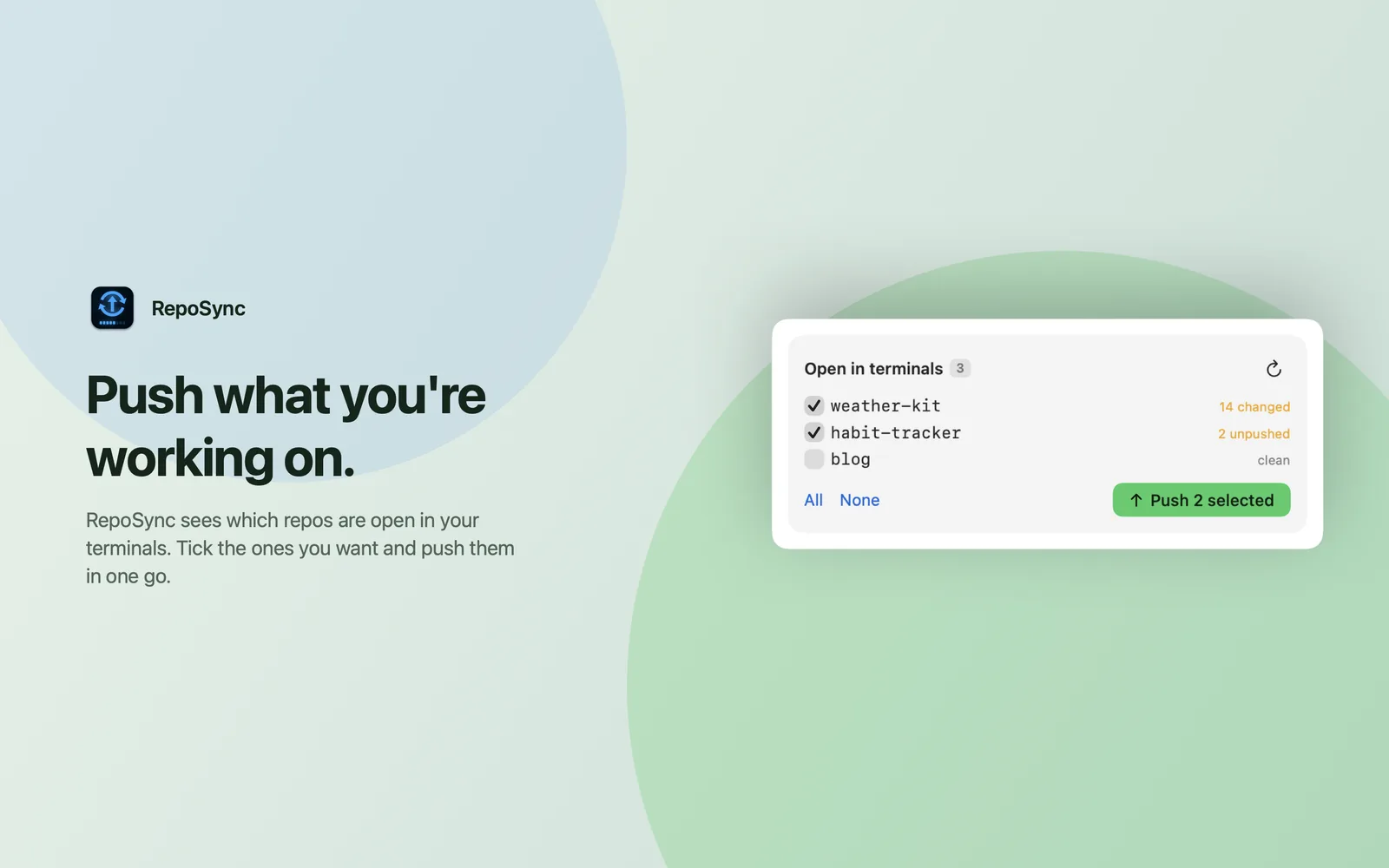
Open in terminals: tick, then push. Push what you're working on
RepoSync sees which repos are open in your terminals. Tick the ones you want and push them in one go.
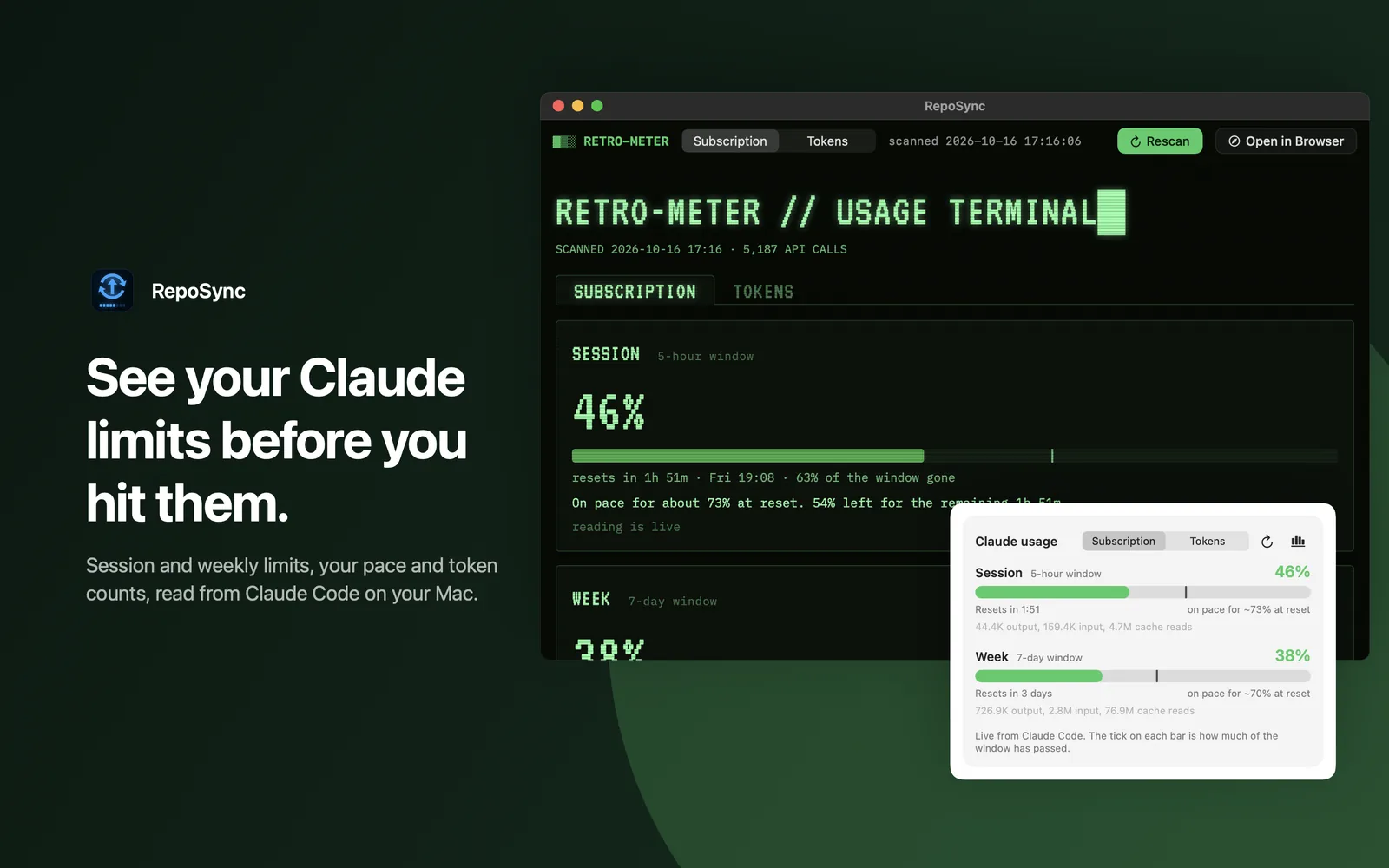
Claude usage, at a glance. See your Claude limits before you hit them
Session and weekly limits, your pace and token counts, read from Claude Code on your Mac. Turn the Claude usage panel on or off in Settings.
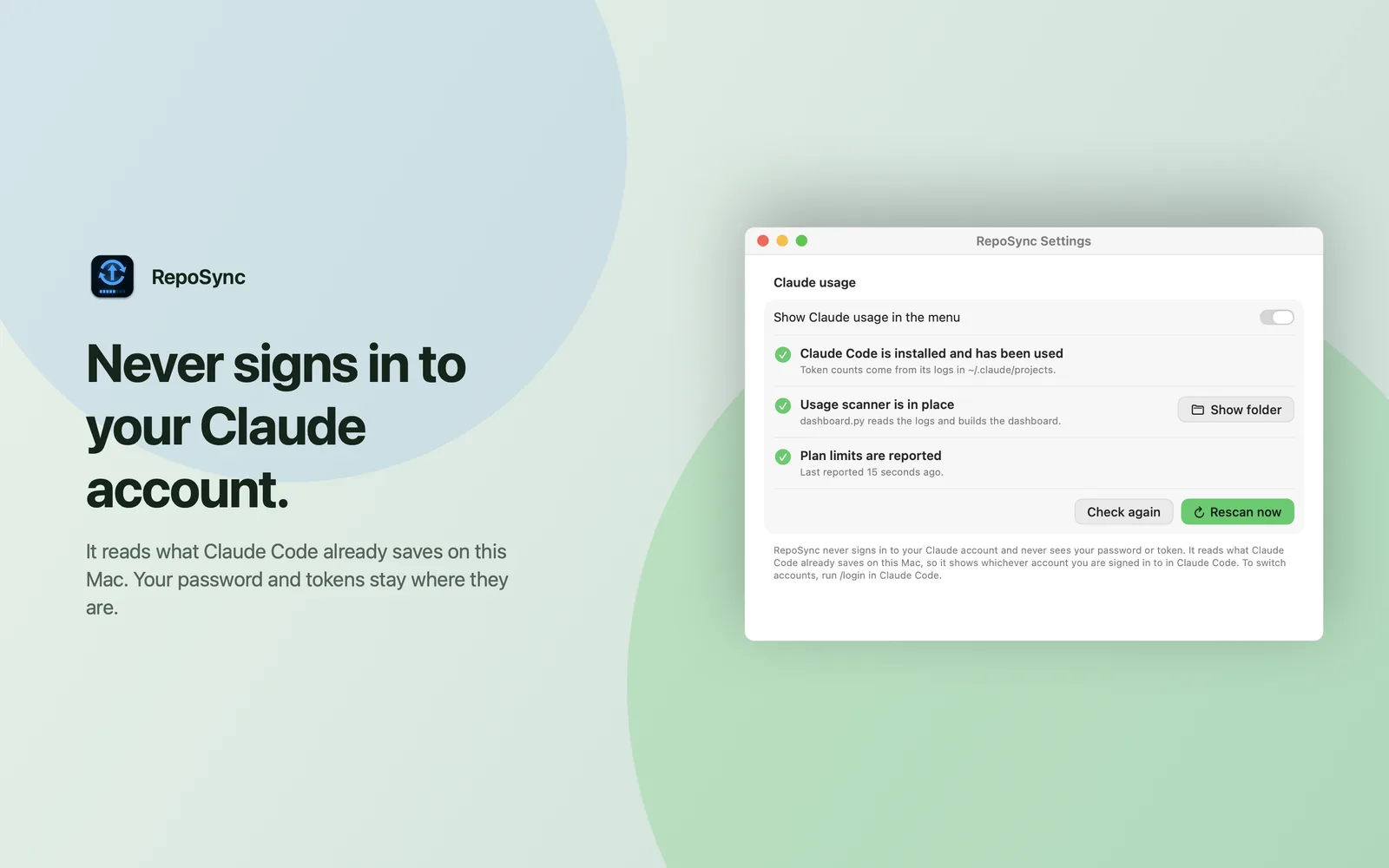
Claude usage settings. Never signs in to your Claude account
RepoSync reads what Claude Code already saves on this Mac. Your password and tokens stay where they are.
Details that matter
Pick your repositories
Sync every repo in your watched folders, or only the ones you tick. Scan up to four levels deep.
Always asks about risky files
Deleted files and secret-like files, such as .env files and keys, always need approval.
Readable commits
Commit messages carry your prefix, the time, and what changed, so the history makes sense later.
Opens at login
Start it once and forget it.
Questions
What counts as a big change?
By default: more than 10 files, more than 300 added or removed lines, more than 5 unpushed commits, or a file over 50 MB. You can change every limit in Settings.
Will it push my secrets?
No. Secret-like files, such as .env files and keys, always wait for your approval, and so do deleted files.
Which repos does it sync?
Every repo in the folders you watch, or only the ones you tick. It scans up to four levels deep.
Does it need my Claude account?
No. If you turn Claude usage on, RepoSync reads what Claude Code already saves on your Mac. It never signs in.
Can a push be undone?
Each approval card says. Usually a later commit can revert it, and the history keeps a copy.
Which Macs does it run on?
macOS 14 or later, on Apple silicon.
Details
- Platform
- macOS 14 or later, Apple silicon
- Interval
- Every 2 hours by default, 15 minutes at the shortest
- Approval
- Required for large or risky changes
- Claude usage
- Optional, read from Claude Code's local logs
Stay in the loop
Write to us about RepoSync, early access, press or playtesting.