About
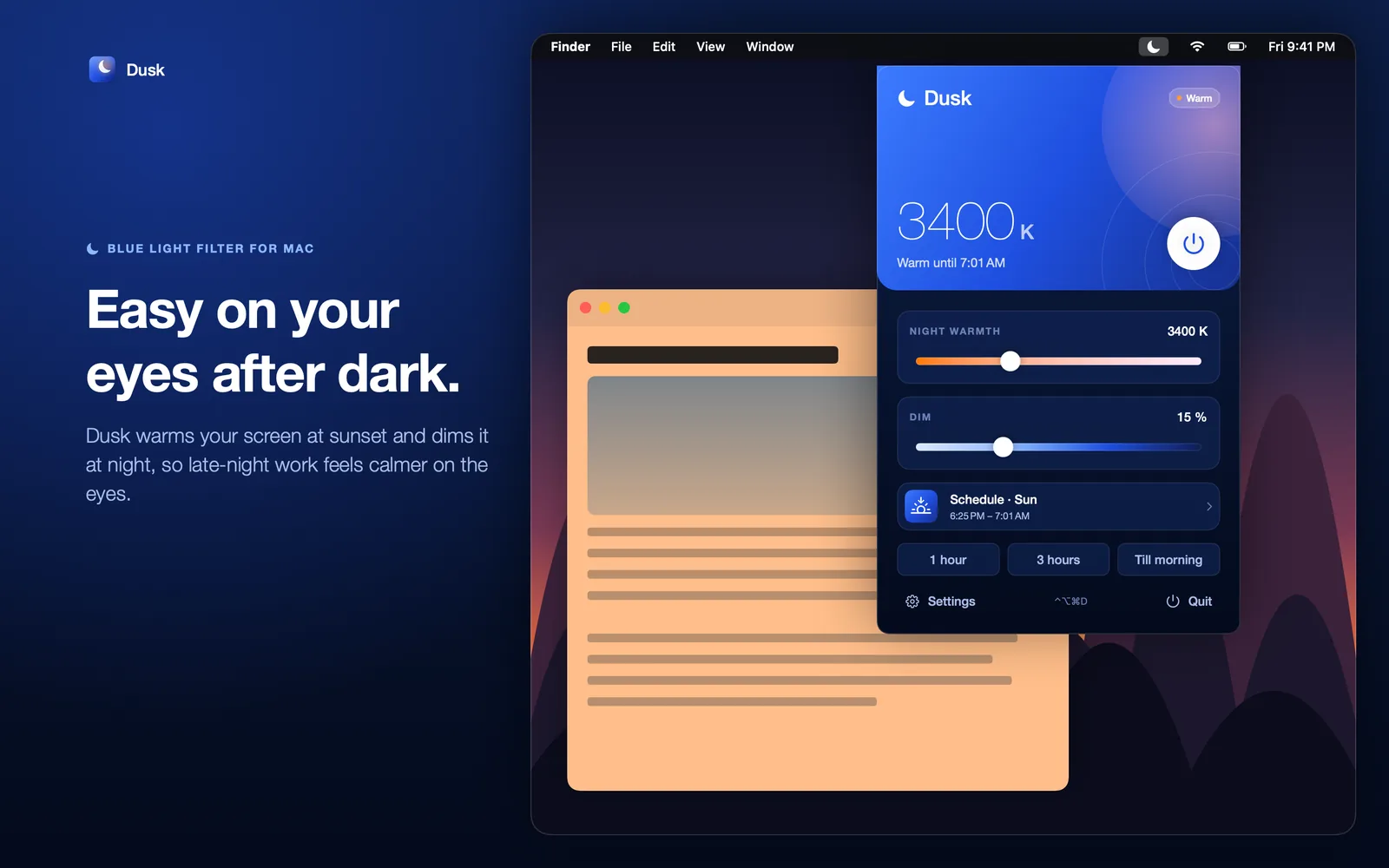
Dusk warms your display at night. Choose how warm, set a schedule, and it fades in and out on its own, so late-night work feels calmer on the eyes.
It's a small native Mac app built with Swift, SwiftUI and AppKit. Your display's own colours come back the moment Dusk quits.
- 1900–6500 K
- from candlelight to daylight
- Up to 50%
- dimming below the hardware minimum
- 3
- schedules: manual, custom and sun
- ⌃⌥⌘D
- toggles it from any app
Try the warmth
Drag the slider to see a screen move from daylight to candlelight. This is a preview. The real filter tints your whole display.
What it looks like
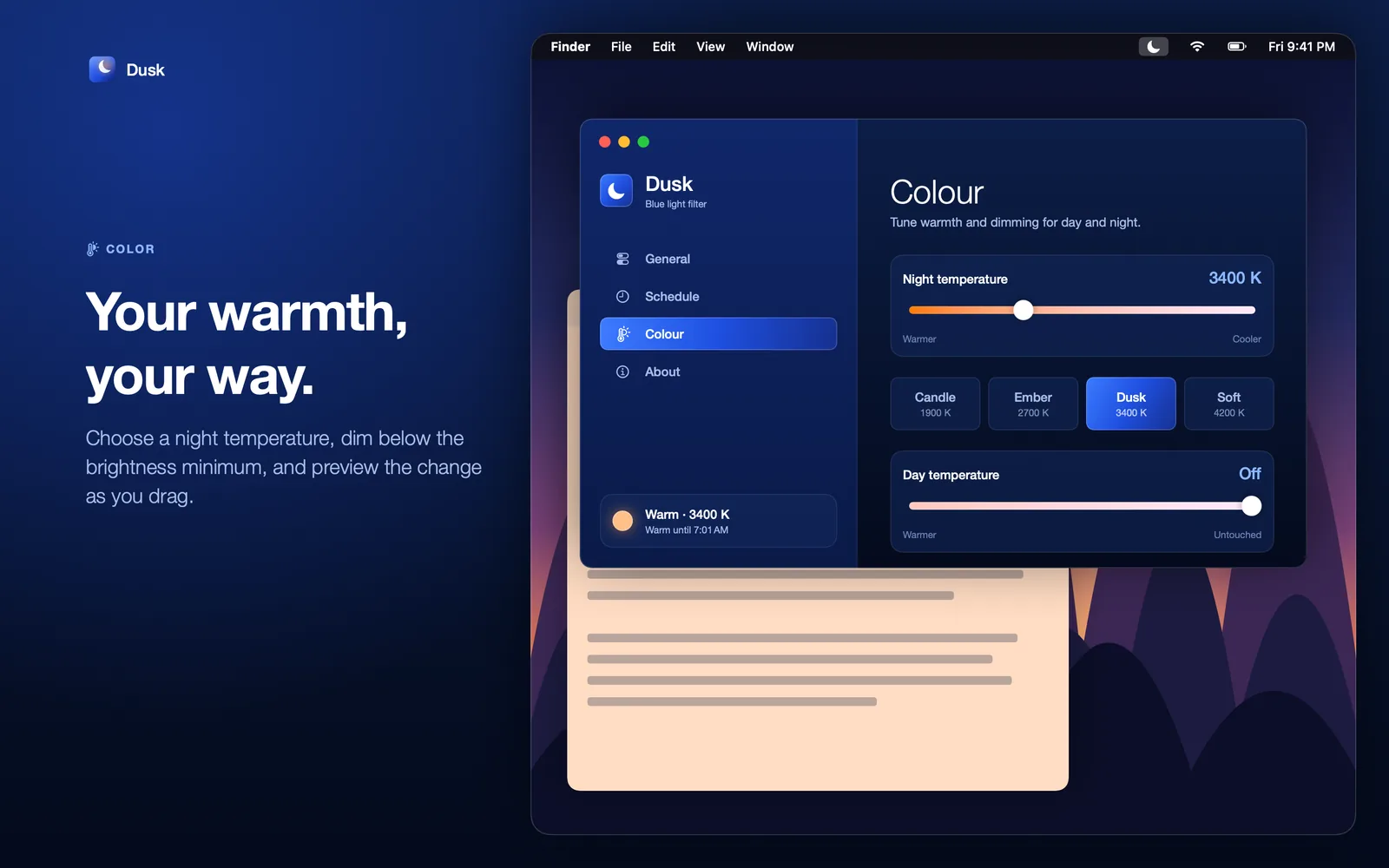
Colour: warmth presets and day temperature. Your warmth, your way
Choose a night temperature from 1900 K to 6500 K, dim below the brightness minimum, and preview the change as you drag. Four presets get you started: Candle at 1900 K, Ember at 2700 K, Dusk at 3400 K and Soft at 4200 K.
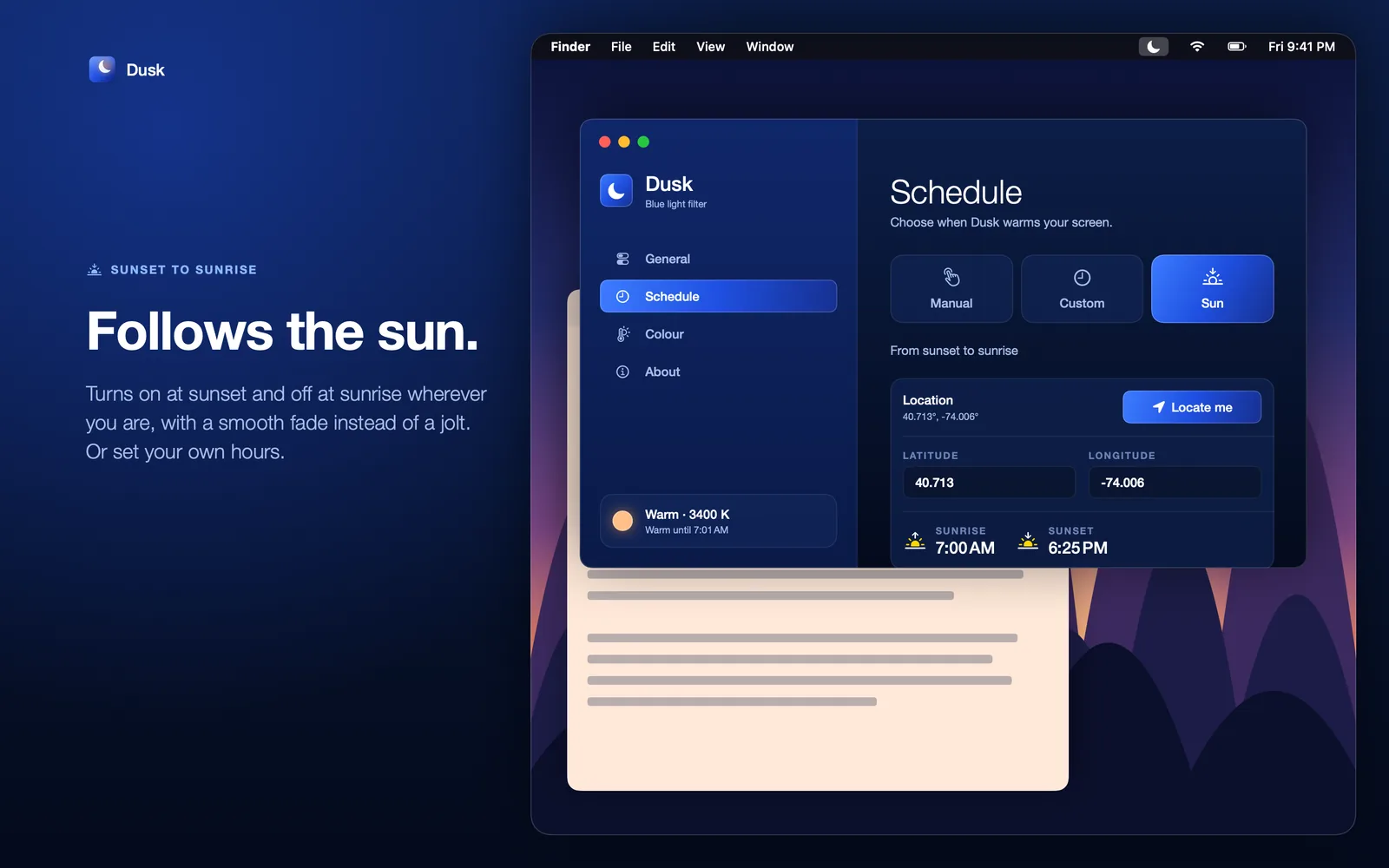
Schedule: manual, custom, or sunset to sunrise. Follows the sun
Dusk turns on at sunset and off at sunrise wherever you are, with a smooth fade instead of a jolt. Sunrise and sunset are worked out on your Mac from your location, or from coordinates you type in. Prefer your own hours? Set them, or switch Dusk on by hand.
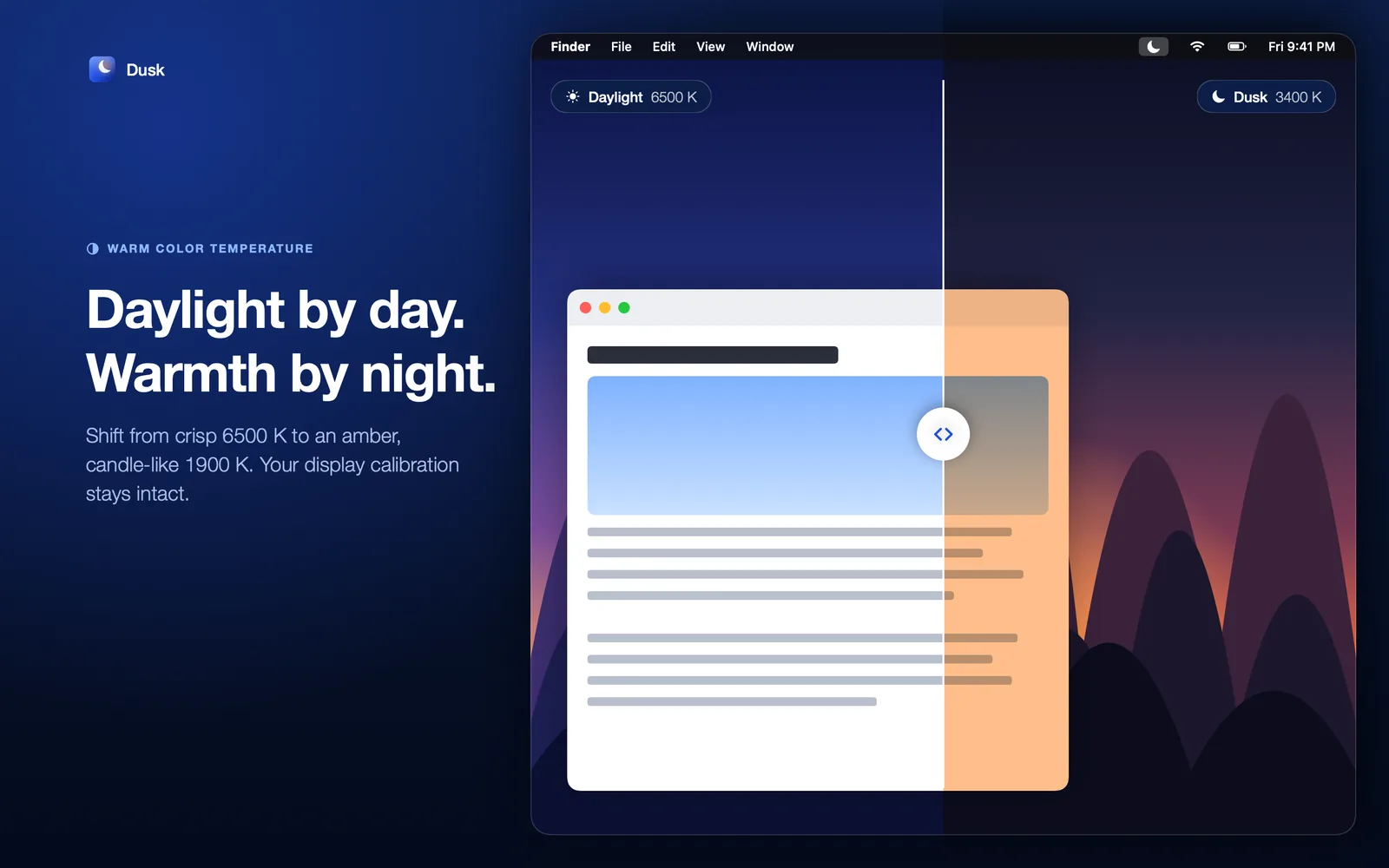
Daylight on one side, night colour on the other. Daylight by day, warmth by night
Add a mild tint in the day if you like. Fades take 10, 30 or 60 minutes at each end of the schedule, or happen instantly.
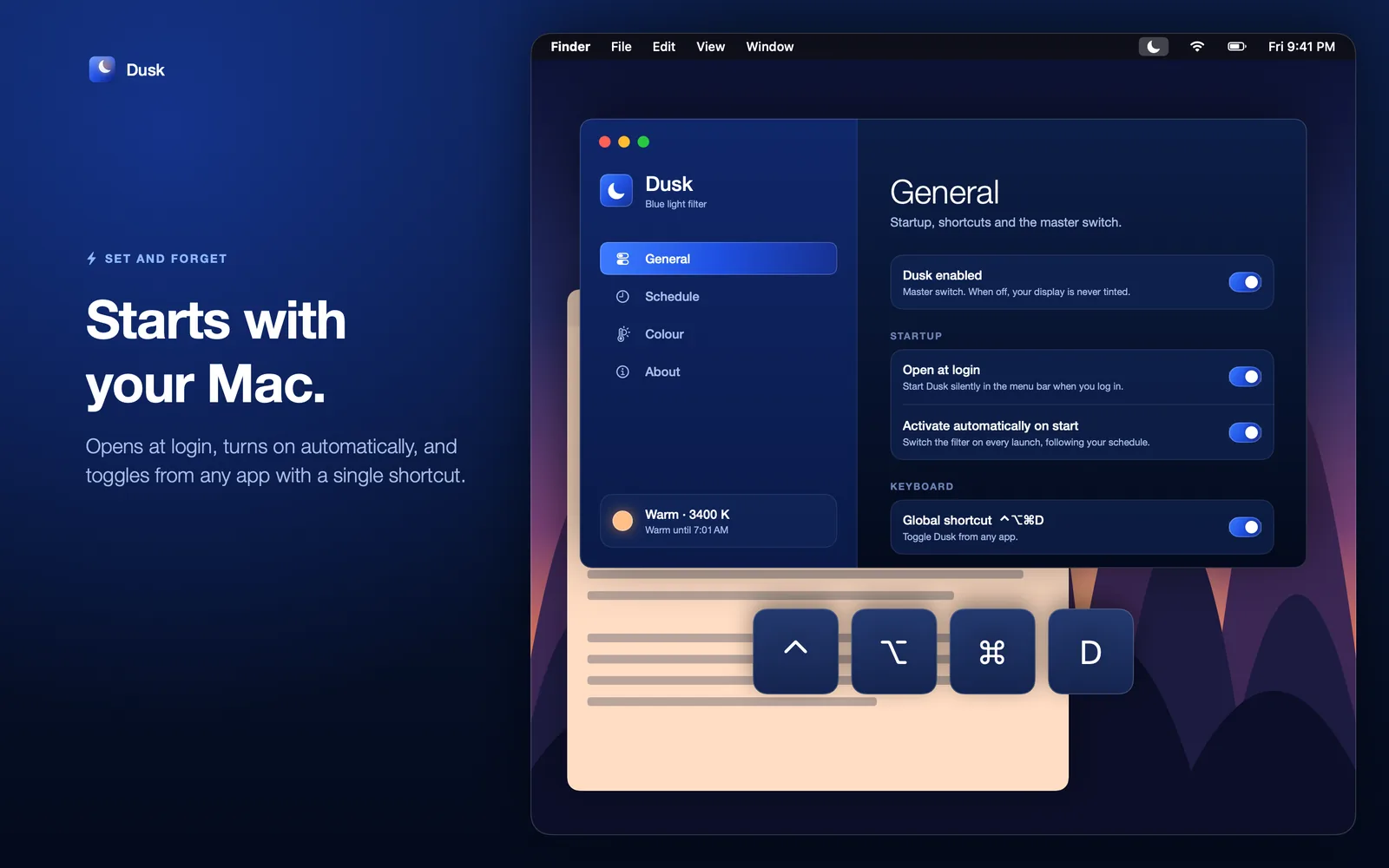
Startup and the global shortcut. Set it and forget it
Dusk can open at login, turns itself on, and toggles from any app with Control, Option, Command and D. When you need true colours, pause it for an hour, three hours or until morning.
Built to stay out of the way
Every display
Works across multiple displays and keeps each display's ColorSync calibration.
Survives sleep
Re-applies the tint after sleep and wake, and whenever your displays change.
Leaves no trace
Your display colours return to normal as soon as Dusk quits.
Questions
Does Dusk need my location?
Only for the sunset-to-sunrise schedule, and you can type in coordinates instead. Sunrise and sunset are worked out on your Mac.
Can I use it with Night Shift or True Tone?
Turn those off, so they don't stack with Dusk.
What happens when I quit Dusk?
Your display colours return to normal straight away.
How do I switch it off quickly?
Press Control, Option, Command and D, or pause it from the menu bar for an hour, three hours or until morning.
Which Macs does it run on?
Dusk needs macOS 15 or later.
Where can I get help?
See Dusk support and the Dusk privacy policy.
Details
- Platform
- macOS 15 or later
- Warmth
- 1900 K to 6500 K
- Dimming
- Up to 50% below the hardware minimum
- Schedules
- Manual, custom times, or sunset to sunrise
- Shortcut
- Control, Option, Command and D
- Built with
- Swift, SwiftUI and AppKit
Stay in the loop
Write to us about Dusk, early access, press or playtesting.